Run of show template for virtual and team events (free)
A run of show is the minute-by-minute plan for an event: every segment, when it starts and who does what. Pick your event below for one you can copy or print.

Hosted game run of show
7 segments, 1 h, 1:00 PM to 2:00 PM
Before
- 1 week beforeInvite and platform check
- Host: Gets the final headcount and the platform.
- Organizer: Calendar invite out, join link in the location field, and a note to bring a pen and paper.
- Tech: Confirms breakout rooms and screen sharing are on for the account.
- 12:45 PMCrew joins
- Host: Joins and tests screen share and game sound.
- Organizer: Joins with the welcome line ready.
- Tech: Opens the meeting and makes the host a co-host.
The show
- 1:00 PMGuests arrive3 min
- Host: Music and a welcome screen while people join.
- Tech: Admits the waiting room.
- 1:03 PMWelcome2 min
- Organizer: One line on why the team is here, then hands over to the host.
- 1:05 PMTeams form5 min
- Host: Explains the scoring and splits everyone into breakout teams.
- Tech: Moves anyone who lands in the wrong room.
- 1:10 PMFirst rounds25 min
- Host: Runs the rounds; every team answers every round and scores go up live.
- Organizer: Plays on a team like everyone else.
- 1:35 PMNew teams, more rounds15 min
- Host: Reshuffles the teams so people play with someone new.
- Tech: Watches the chat for sound or link trouble.
- 1:50 PMFinal round6 min
- Host: The last round decides it; final scores go up on screen.
- 1:56 PMWinners and close4 min
- Organizer: Congratulates the winners, thanks the team and ends on the minute.
- Tech: Stops the recording, if there is one.
- 2:00 PMEnd
After
- Same dayShare the moment
- Organizer: Posts the winning team and a gallery screenshot in the team channel.
- Tech: Saves the recording and shares it inside the company only.
Hosted game, 1 h
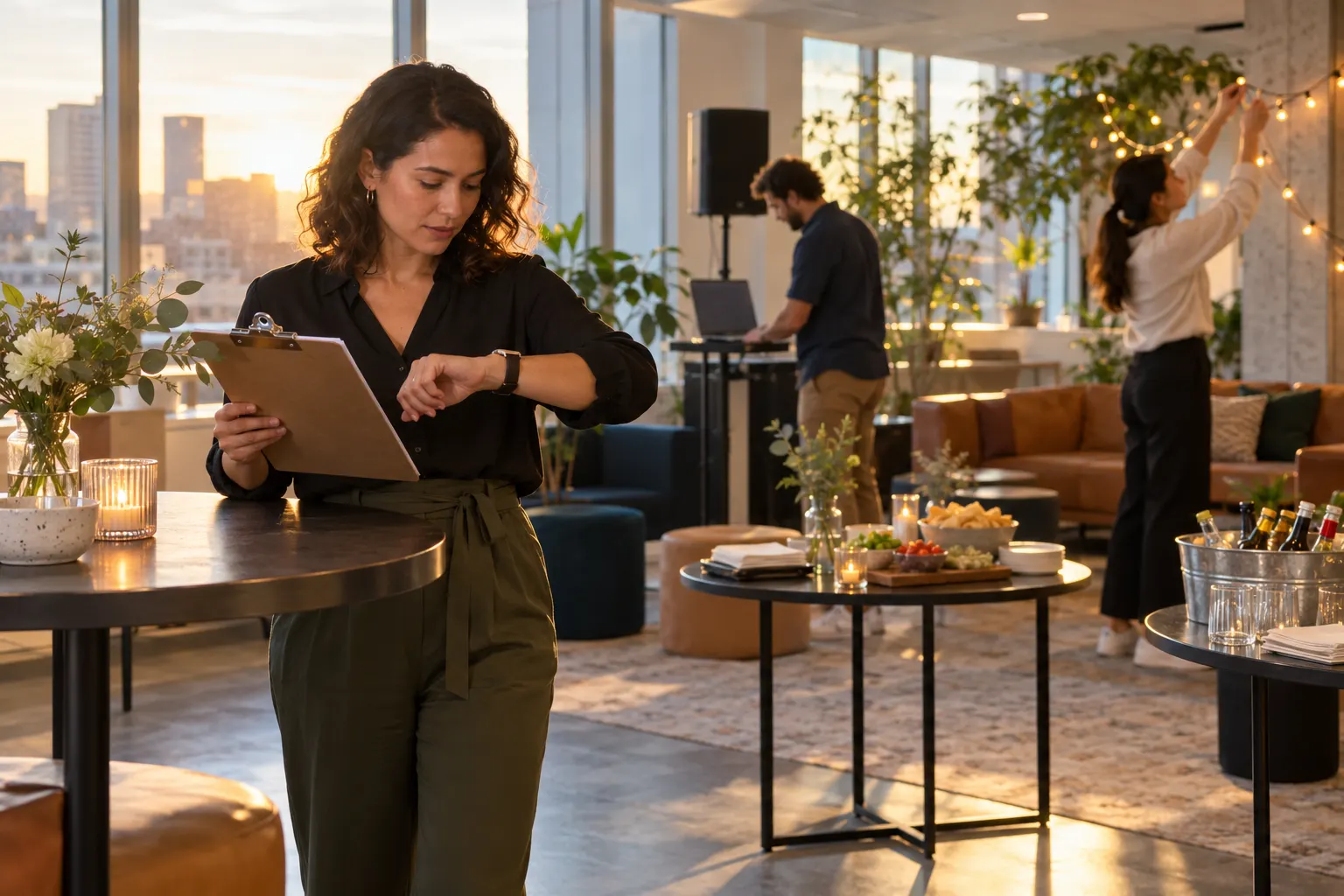
This free run of show template covers five common team events: a hosted game, a kit workshop, a holiday party, an all-hands social and a hybrid event. Pick one, a length and a start time, and you get every segment with a cue for the host, the organizer and the tech person, from the crew joining early to the note you send afterward. The hosted game and kit workshop templates fit a one-hour KraftyLab event, where a live host runs the activity on Zoom by default, or on Microsoft Teams, Google Meet or Webex. Below are three run of show examples written out in full, what each role does, and how to write your own.
3 run of show examples
Each one is a template from the generator, with clock times filled in. Pick the same event above to change the start time or the length.
Hosted game run of show example (60 minutes)
A live host runs trivia or a game show for the whole team on one call. The host splits people into breakout teams and keeps score; you open and close.
| Time | Segment | Who does what |
|---|---|---|
| 12:45 PM | Crew joins | Host: Joins and tests screen share and game sound.Organizer: Joins with the welcome line ready.Tech: Opens the meeting and makes the host a co-host. |
| 1:00 PM | Guests arrive3 min | Host: Music and a welcome screen while people join.Tech: Admits the waiting room. |
| 1:03 PM | Welcome2 min | Organizer: One line on why the team is here, then hands over to the host. |
| 1:05 PM | Teams form5 min | Host: Explains the scoring and splits everyone into breakout teams.Tech: Moves anyone who lands in the wrong room. |
| 1:10 PM | First rounds25 min | Host: Runs the rounds; every team answers every round and scores go up live.Organizer: Plays on a team like everyone else. |
| 1:35 PM | New teams, more rounds15 min | Host: Reshuffles the teams so people play with someone new.Tech: Watches the chat for sound or link trouble. |
| 1:50 PM | Final round6 min | Host: The last round decides it; final scores go up on screen. |
| 1:56 PM | Winners and close4 min | Organizer: Congratulates the winners, thanks the team and ends on the minute.Tech: Stops the recording, if there is one. |
| 2:00 PM | End |
See how the hour plays on our virtual trivia page.
Kit workshop run of show example (60 minutes)
Every guest has a kit at home and an instructor leads the hour step by step. It fits an hour like our virtual candle making class, where everyone scents and pours two candles.
| Time | Segment | Who does what |
|---|---|---|
| 1:45 PM | Crew joins | Host: Joins and checks the camera angle on the work surface.Organizer: Joins with an unopened kit of their own.Tech: Opens the meeting and makes the instructor a co-host. |
| 2:00 PM | Welcome2 min | Organizer: One line of welcome, then hands over to the instructor. |
| 2:02 PM | Unbox together8 min | Host: Walks through the kit while everyone opens theirs on camera.Tech: Spotlights the instructor's video so the hands are easy to see. |
| 2:10 PM | First step12 min | Host: Shows the first step slowly; guests follow along at home. |
| 2:22 PM | Second step10 min | Host: Checks in on anyone who is behind before moving on.Organizer: Makes one too and keeps the chat friendly. |
| 2:32 PM | Finishing step10 min | Host: Finishes the piece and shares tips for the result. |
| 2:42 PM | Let it set and talk10 min | Host: Takes questions while the work sets.Organizer: Asks one easy question to get people chatting. |
| 2:52 PM | Show and tell6 min | Host: Everyone holds their piece up to the camera.Tech: Switches everyone to gallery view. |
| 2:58 PM | Group photo and thanks2 min | Organizer: Takes the gallery screenshot and thanks the team. |
| 3:00 PM | End |
The full hour, kit list and prices are on our virtual candle making page.
Virtual holiday party run of show example (90 minutes)
Your own welcome and awards around one hosted game, with time at the end for whoever wants to stay and chat.
| Time | Segment | Who does what |
|---|---|---|
| 2:45 PM | Crew joins | Host: Joins and tests screen share and game sound.Organizer: Joins with the toast and the awards list in hand.Tech: Opens the meeting, makes the host a co-host and queues the music. |
| 3:00 PM | Doors open with music8 min | Organizer: Greets people by name as they arrive.Tech: Plays music and admits the waiting room. |
| 3:08 PM | Leader's toast5 min | Organizer: Thanks the team for the year and names two wins. |
| 3:13 PM | Hosted holiday game55 min | Host: Runs the game in breakout teams, with a live scoreboard.Tech: Watches the chat for anyone who got dropped. |
| 4:08 PM | Awards and gift reveal10 min | Organizer: Crowns the winners, reads the awards and announces the holiday gift.Tech: Shares the awards slide. |
| 4:18 PM | Open mingle10 min | Organizer: Stays on to chat with whoever wants to hang out.Tech: Keeps the room open and the music low. |
| 4:28 PM | Close2 min | Organizer: Wishes everyone a good break and ends the call. |
| 4:30 PM | End |
Holiday games and kits are on our virtual holiday party page.
Who does what in a run of show
Three roles cover almost every team event. At a small event the organizer can also run the tech; the host should only ever host.
- Host. Runs the activity: the game host or the workshop instructor.
- Organizer. You, or whoever booked it: opens, closes and speaks for the company.
- Tech. Runs the call: admits people, breakout rooms, sound and recording.

For a kit workshop, the run of show starts weeks before the call: guests need to enter their shipping addresses in time for the kits to reach them. Our virtual event checklist dates every one of those steps to your event, and our opening remarks give the organizer a welcome to read out.
How to write a run of show
Five habits that make the difference between a plan and a plan people follow.
- Write the end time first. Then work backward, so the close is never the part that gets squeezed.
- Put a name on every role. Write who the host, organizer and tech person are at the top of the page.
- Write cues, not topics. “Opens breakout rooms on the host’s cue” tells someone what to do; “breakouts” doesn’t.
- Give long segments the slack. If something runs over, take the minutes from the main activity, never from the welcome or the close.
- Keep one version. Send it to the crew the day before and have it open on a second screen while the event runs.
Planning a meeting rather than an event? Our team meeting agenda builder makes the guest-facing version. Mixing an office and remote staff for the holidays? See our hybrid holiday party ideas.
