50 virtual scavenger hunt ideas for work
Fifty prompts your remote team can play on any video call, sorted by how long they take. Run them yourself for free, or let one of our hosts run the whole hunt.

Something older than you are
A virtual scavenger hunt is the easiest team game to run on a video call. Read a prompt, everyone scrambles, and the first person back on camera with the item scores. Nothing to install and nothing to buy.
The 50 prompts below are grouped by type. Pick 8 to 10 for a 20-minute hunt, add a photo round, and save the brain teasers for the end.
1. Grab-it-in-60-seconds prompts
Read one, start a 60-second timer, and the first teammate back on camera scores a point.
- 1Something older than you are
- 2The weirdest mug you own
- 3Something in your company's color
- 4A book you'd lend a coworker
- 5Something that makes a noise
- 6The thing you'd save in a fire
- 7Something from another country
- 8A souvenir with a story
- 9The oldest gadget in your home
- 10Something perfectly round
- 11Your favorite snack, right now
- 12Something handmade
- 13An item starting with your initial
- 14Something green and alive
- 15The oddest thing in your junk drawer
2. Show-and-tell prompts
Find it, then tell the story behind it in 30 seconds. Slower, and the best round for getting to know people.
- 16A photo from your first job
- 17The best gift you ever received
- 18Something you'll never throw away
- 19A skill you can show in 10 seconds
- 20Your go-to comfort item
- 21Something that reminds you of home
- 22The last thing you bought online
- 23An award, medal or certificate
- 24A recipe you'd share with the team
- 25Your pet, or the nearest stand-in
3. Photo and video prompts
Teams post in chat or a shared album, then everyone votes for the best one.
- 26Recreate a famous painting at home
- 27Style your desk like a magazine shoot
- 28Something shaped like a heart
- 29The view from your window
- 30The tallest tower from desk items
- 31Five seconds of your best dance move
- 32Spell your team name with objects
- 33Something that matches your mood
- 34A team mascot made of office supplies
- 35A 10-second tour of your favorite corner
4. Brain-teaser prompts
Read the riddle, not the item. The first person to show the answer on camera scores.
- 36I have keys but open no locksA keyboard
- 37I get wetter the more I dryA towel
- 38I have a face and hands but no armsA clock
- 39I have a neck but no headA bottle
- 40I'm full of holes but hold waterA sponge
- 41I have one eye but can't seeA needle
- 42I'm tall when young, short when oldA candle
- 43I have many teeth but never biteA comb
- 44I have a spine but no bonesA book
- 45I have a head and a tail but no bodyA coin
5. Themed hunts
Swap in a theme for holidays, new-hire weeks or company milestones. Each one is a three-item round.
- 46Halloween: something spooky, something orange, one piece of a costume
- 47Holidays: an ornament, a festive snack, your coziest socks
- 48Summer: sunglasses, something from the beach, a travel souvenir
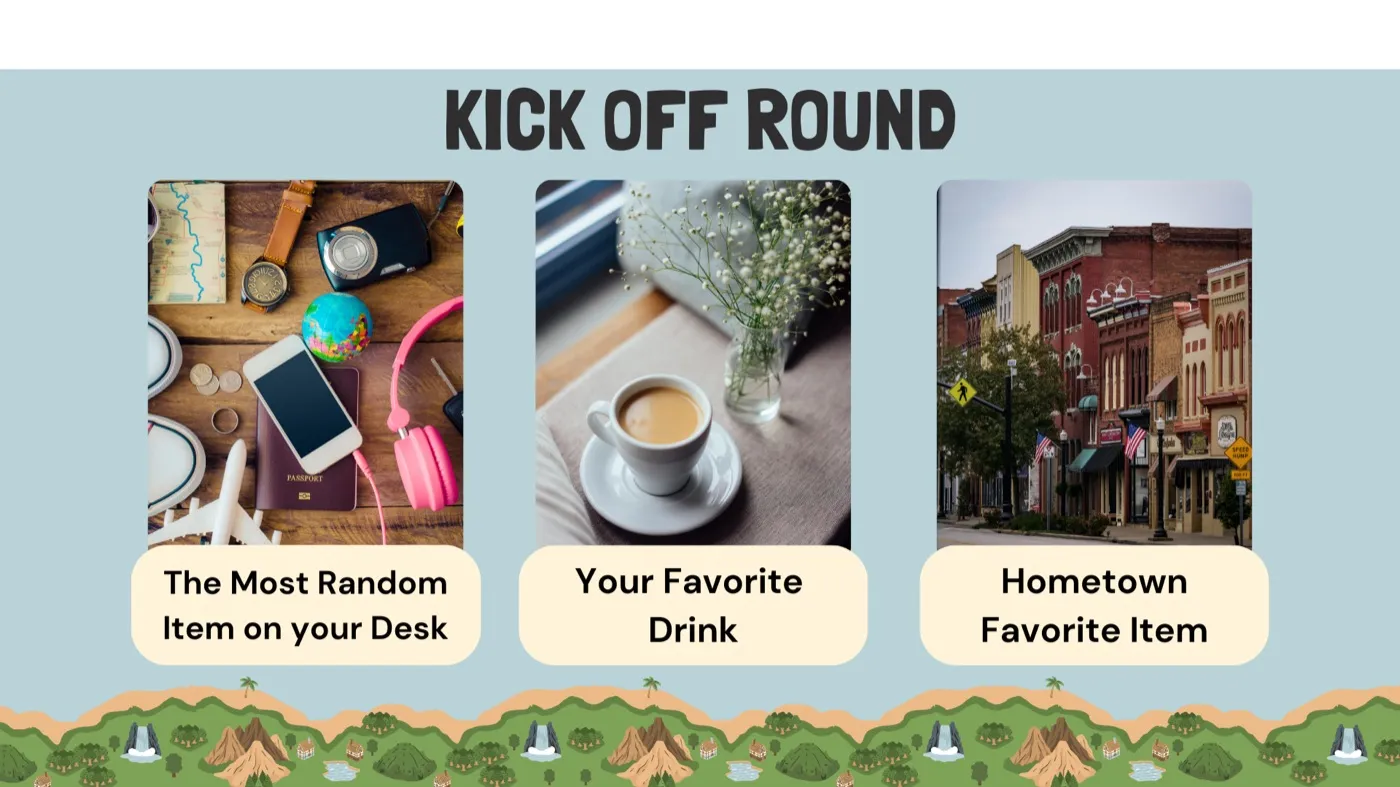
- 49New-hire week: something that explains your job, your favorite tool, your hometown on a map
- 50Company anniversary: your oldest company swag, a photo from your first month, something you made here
Bonus: 5 prompts for the office
Mixing office and home? Use these alongside the show-and-tell and brain-teaser rounds so nobody's at a disadvantage.
- 1A sticky note with today's to-do
- 2The oldest thing on your desk
- 3Something from the office kitchen
- 4Your badge or lanyard, styled
- 5The best view from your seat
Rules for a virtual scavenger hunt
- 1One item per person per prompt.
- 260 seconds on the clock for each item.
- 3It only counts on camera.
- 4Points for speed, bonus points for the best story.
- 5The host's call is final.
How to run it on Zoom, Teams or Google Meet
- Split into teams. Groups of 4 to 6 in breakout rooms, or everyone together if you are under 12 people.
- Set the rules. One item per person per prompt, 60 seconds on the clock, and it only counts on camera.
- Keep score. A shared doc or the chat works. Give bonus points for the best story.
- End on photos. Close with a photo or video round and let everyone vote for the winner.
Official breakout room guides: Zoom, Microsoft Teams and Google Meet.